Available now
Import
Local, Spotify, Tidal, Deezer, SoundCloud
- Watches local folders
- Polls liked songs and playlists on a schedule
- Deduplicates across sources
DJ Music Library Software
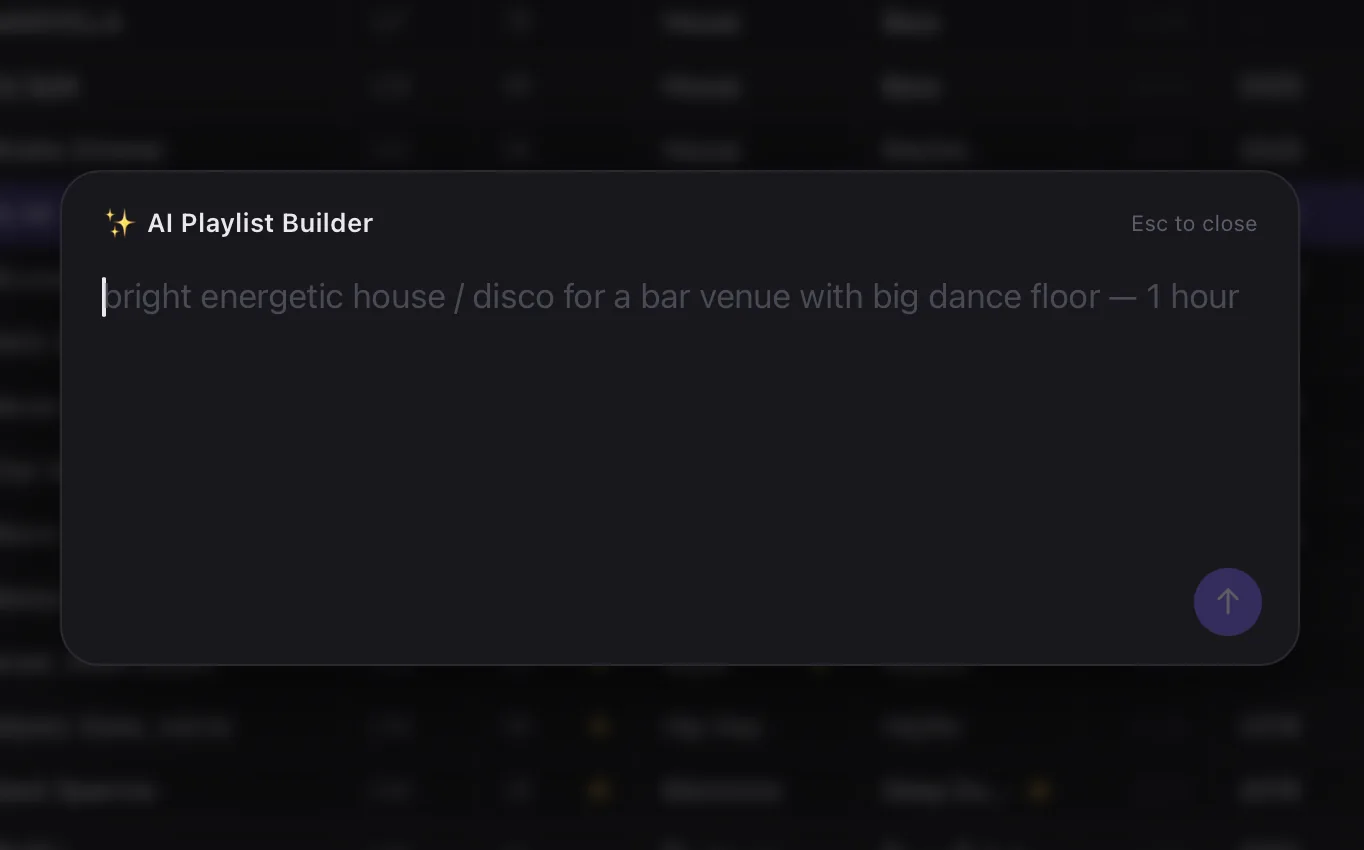
The DJ app that unifies your entire music library — import from Spotify, Tidal, Deezer, SoundCloud & local, get Key, BPM, Genre, Energy & Plays Count automatically, and buy tracks from your favorite sources.
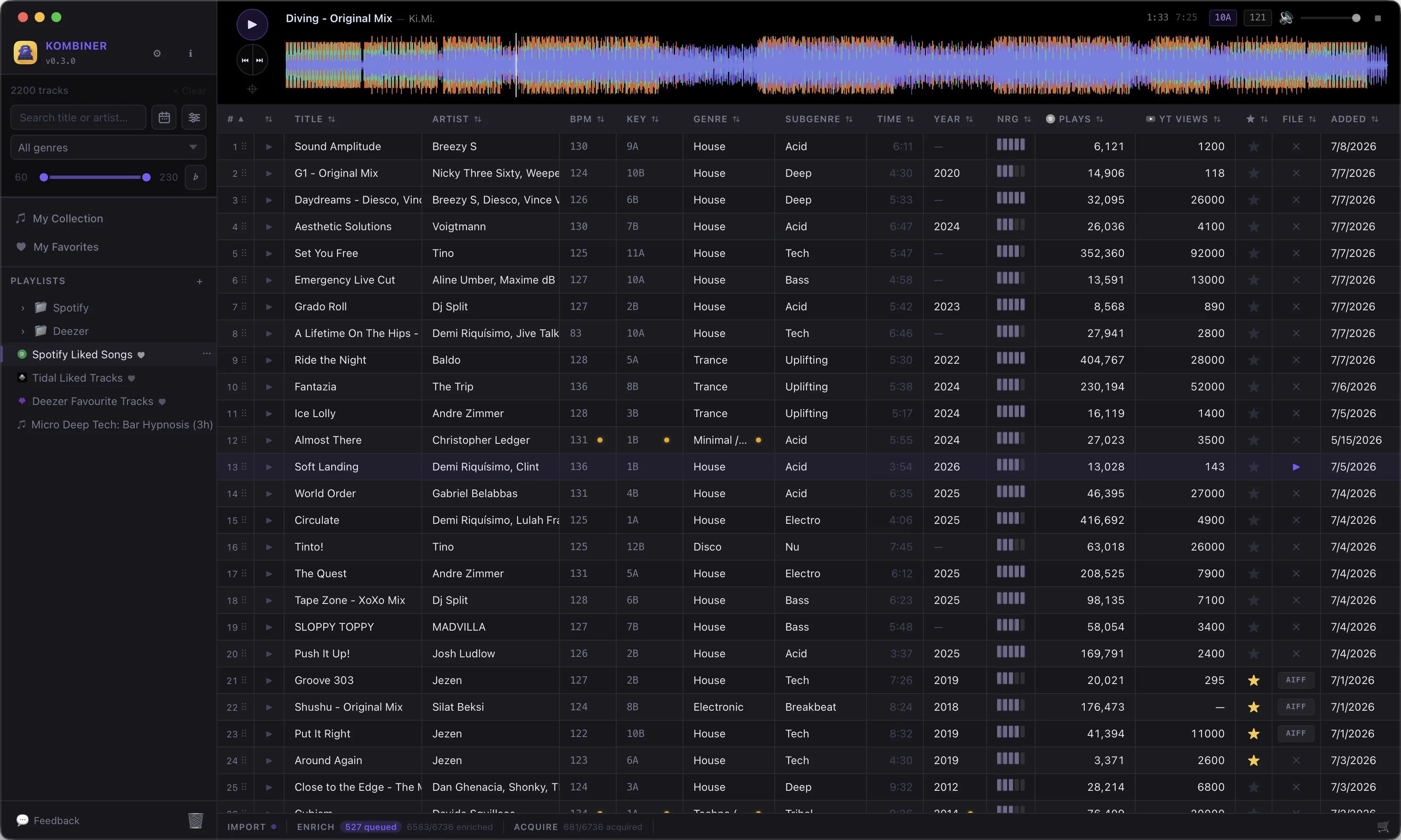
Kombiner collapses all of that into one pipeline.
From liked track to DJ software — one pipeline.
Local, Spotify, Tidal, Deezer, SoundCloud
BPM, Key, Genre, Plays Count
Buy on Beatport and Bandcamp, download direct
Rekordbox, Traktor, Serato
Every stage is extensible with plugins.
The platforms every DJ actually touches — already wired in. More on the way, and anything else is a short plugin away.
Try Kombiner free — no license key needed. Upgrade to Pro for unlimited tracks and the full pipeline.
Free forever. No credit card needed.
Free forever. No credit card needed.
1 month free, then $3.29/mo. Cancel any time.
1 month free, then $32.99/yr. Cancel any time.
1 month free trial — no charge until it ends. Cancel any time, no questions asked.
Get started
Install Kombiner and start organizing your library right away — no license key required. Subscribe to Pro when you're ready to go unlimited.
No credit card required · macOS & Windows
Kombiner is a desktop app for DJs that handles everything between discovering a track and having it ready to play. It imports your library from streaming services and local folders, enriches every track with BPM, key, genre, and label data from multiple sources, helps you buy and download files, converts formats, and exports to your DJ software — all in one place, mostly automatically.
The short version: it's the layer that sits between your streaming services and Rekordbox / Traktor / Serato.
No — and that's intentional. Kombiner handles everything before you load tracks into your DJ software. Think of it as the preparation layer: helps you select tracks by genre, key, and get the actual audio file in needed format on disk.
Rekordbox, Traktor, and Serato are great at what they do. Kombiner does the hours of prep work that currently happens in five different browser tabs.
macOS and Windows at launch — both fully supported. Linux support is on the roadmap. Kombiner is built with Tauri, which runs natively on all three platforms, so it's a matter of testing and packaging rather than a fundamental limitation.
Kombiner is free up to 500 enriched or acquired tracks — no credit card required. Beyond that, plans start at $3.29 / month (or $32.99 / year).
No developer account needed. Kombiner connects to Spotify using your regular account and polls your liked songs on a schedule you choose (every 4 or 12 hours, daily, weekly or manually). When you like a new track on Spotify, it appears in Kombiner automatically — no "sync now" button.
Note: Spotify doesn't provide audio files, only metadata and links. Kombiner stores the Spotify URL alongside the track so you can find and buy the actual file later.
Kombiner deduplicates automatically. The track appears as a single row in your library regardless of how many sources know about it. All service links (Spotify URL, Beatport URL, local file path) are attached to that one row. You get one unified view, not three duplicates.
Yes. The local folder import works completely offline and requires no accounts. Just point Kombiner at your music folder — it reads the audio file tags and builds your library from there. Streaming service integrations are optional additions, not requirements.
The database is designed for desktop-scale libraries — up to roughly 100,000 tracks performs well. Folder scanning is incremental (it doesn't re-read files it's already seen), and search and filtering use indexed queries so they stay fast as the library grows.
Libraries above 100k tracks are untested in the current build — if you have one, we'd genuinely like to hear from you.
Each enrichment plugin stores its result independently — Beatport's BPM lives in the Beatport enrichment, Spotify's BPM lives in the Spotify enrichment. Kombiner shows you a single display value but you can see every source's value in the track detail panel and override any of them.
Rule of thumb: audio-detected BPM (analysed directly from the file) is usually the ground truth. Service-sourced BPM is a good starting point when you don't have the file yet.
Yes to both. Double-click any cell in the track table to edit inline. For bulk edits, select multiple tracks (checkboxes or Cmd+click) and use the bulk actions bar — set genre, key, label, or any other field across hundreds of tracks at once.
No. Each enrichment plugin writes to its own result store. If you've manually set a BPM value, re-running an enrichment plugin won't touch your manual override — it updates the plugin's result, which you can then choose to apply or ignore.
No code needed to use Kombiner. Plugins are what power the import sources, enrichment services, and acquiring audio files under the hood — but they come pre-installed and pre-configured for the most common services. You just enable them in Settings and enter your credentials.
If you want to write a plugin for a service Kombiner doesn't support yet, they're short Rhai scripts (a Rust-native scripting language). A complete enrichment plugin is typically under 100 lines of code.
Two paths: check the roadmap, or write a plugin yourself. A new service can be added without waiting for a Kombiner update — check existing plugins as a starting point. Detailed plugin authoring guide will be available later.
Kombiner's plugin host runs scripts in a Rhai sandbox — plugins can only call the specific functions Kombiner exposes (HTTP requests, database reads/writes for their own enrichment data, file path access). They cannot access arbitrary files, execute system commands, or make API calls Kombiner hasn't explicitly permitted.
That said, treat community plugins with the same care you'd give any third-party software — stick to well-reviewed plugins from trusted sources.
Everything is stored locally on your machine in ~/.kombiner/ — an embedded database with no external server or cloud
dependency. Kombiner doesn't have a backend; there's nothing
to send your library data to.
The only network traffic Kombiner generates is the API calls made by the plugins you've enabled (e.g. fetching metadata from Spotify or Beatport on your behalf).
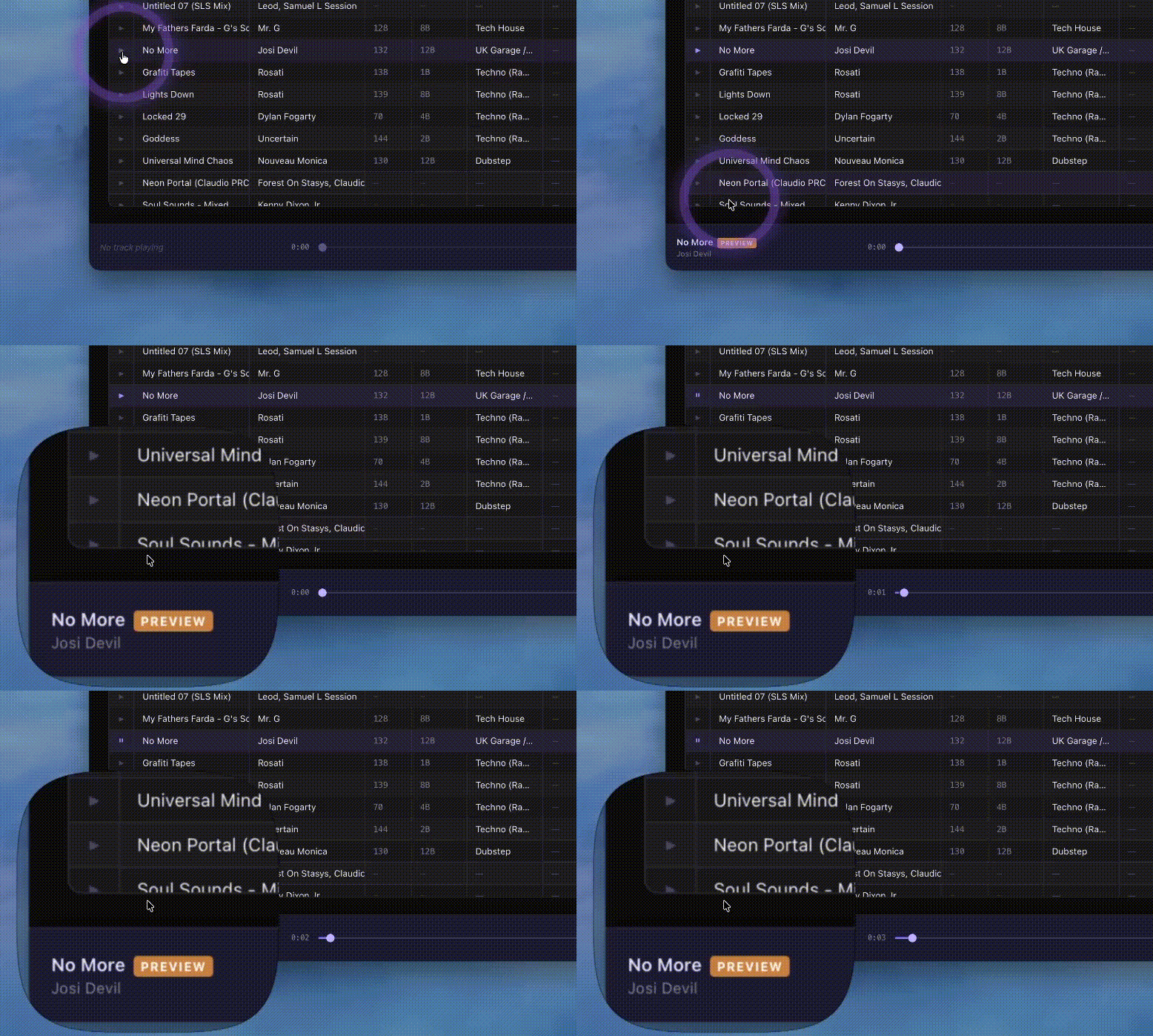
The core app — library viewing, search, filtering, audio playback, manual editing — works fully offline. Enrichment and import plugins that fetch from online services obviously require an internet connection, but they fail gracefully (with a clear error status per track) and retry automatically when connectivity is restored.
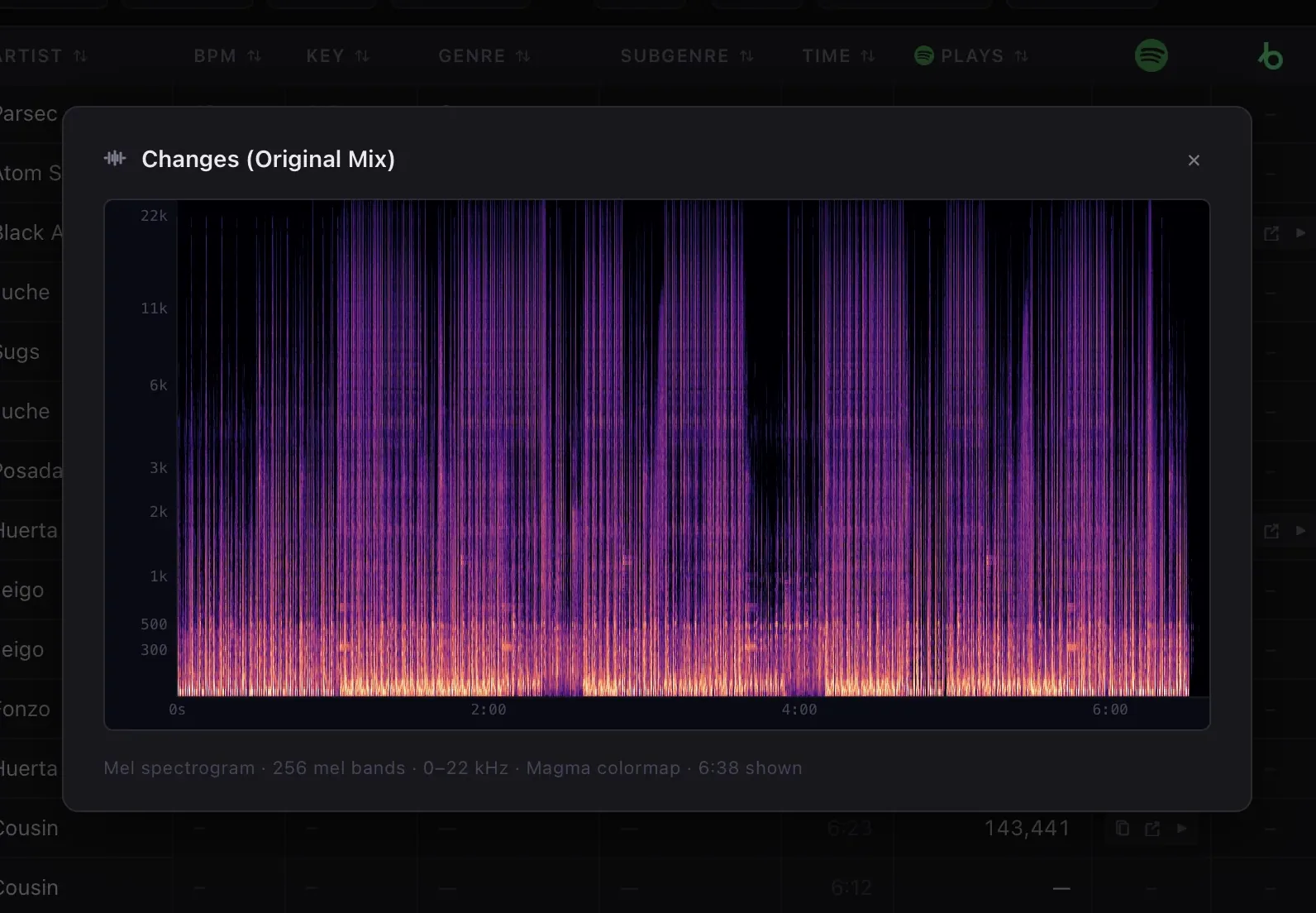
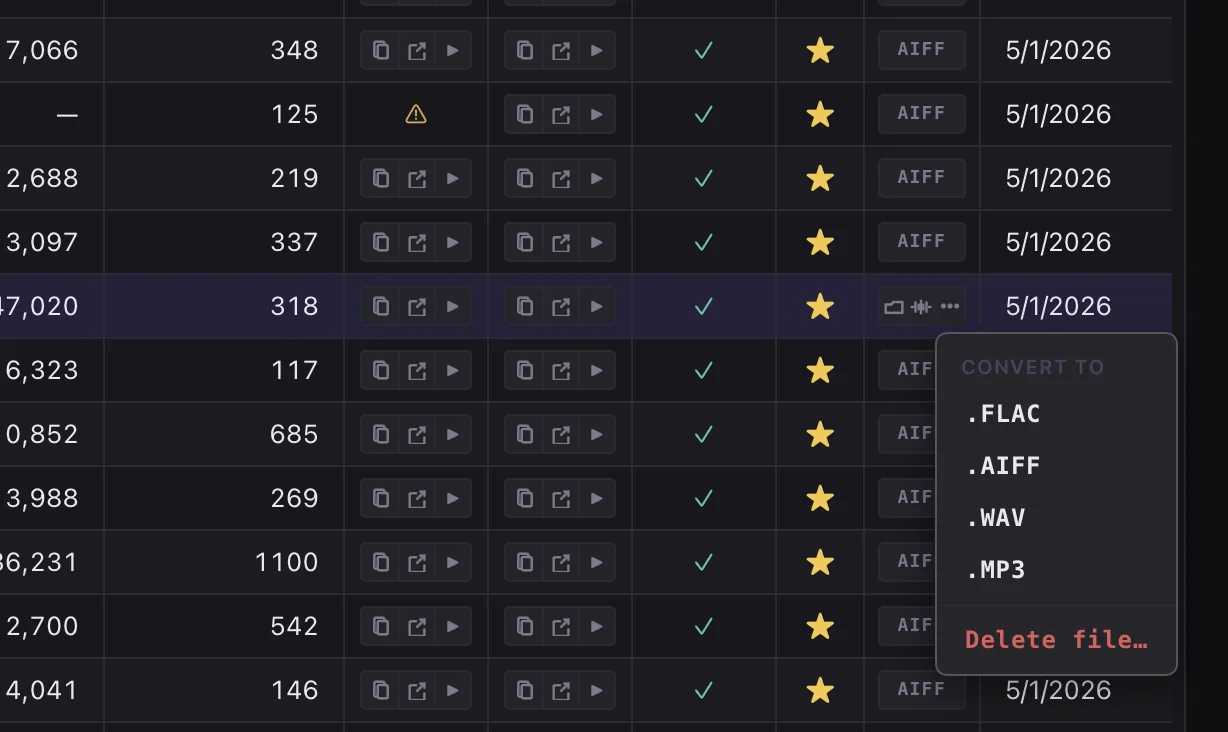
Playback and analysis: MP3, FLAC, WAV, AIFF, AAC, OGG Vorbis. Format conversion handles MP3, FLAC, WAV and AIFF. Audio decoding is handled by a pure-Rust implementation — no external codecs or FFmpeg installation required.